

Prepare the device
Add the hardware identity and capabilities with update a device.
hardware.hardware_id: the serial number, or the VIN for a vehicle.capabilities: one block per subsystem, such asbattery,inverter,evseorvehicle.
Request example
Switch VPP on
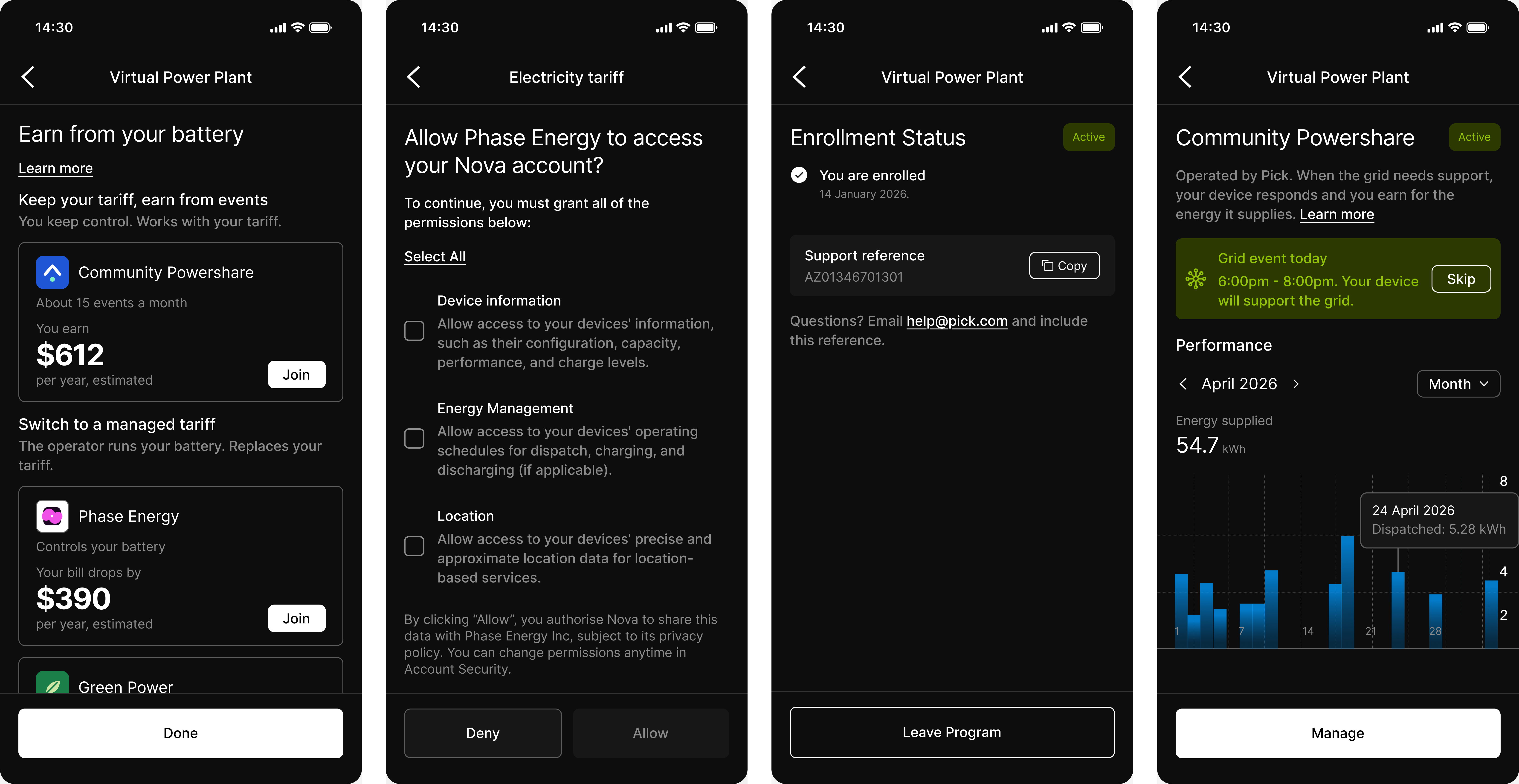
Switch VPP on for your account in Console > Settings; Connect offers no program until it is on. The switch sets the default for
vpp_enabled on every device.The test VPP programs ignore the switch, so build with them first.To opt one device in or out, set its vpp_enabled:Request example
Next steps
Enrollment
Programs, telemetry and the enrollment lifecycle.
Dispatch
Fetch instructions, apply them and confirm them.